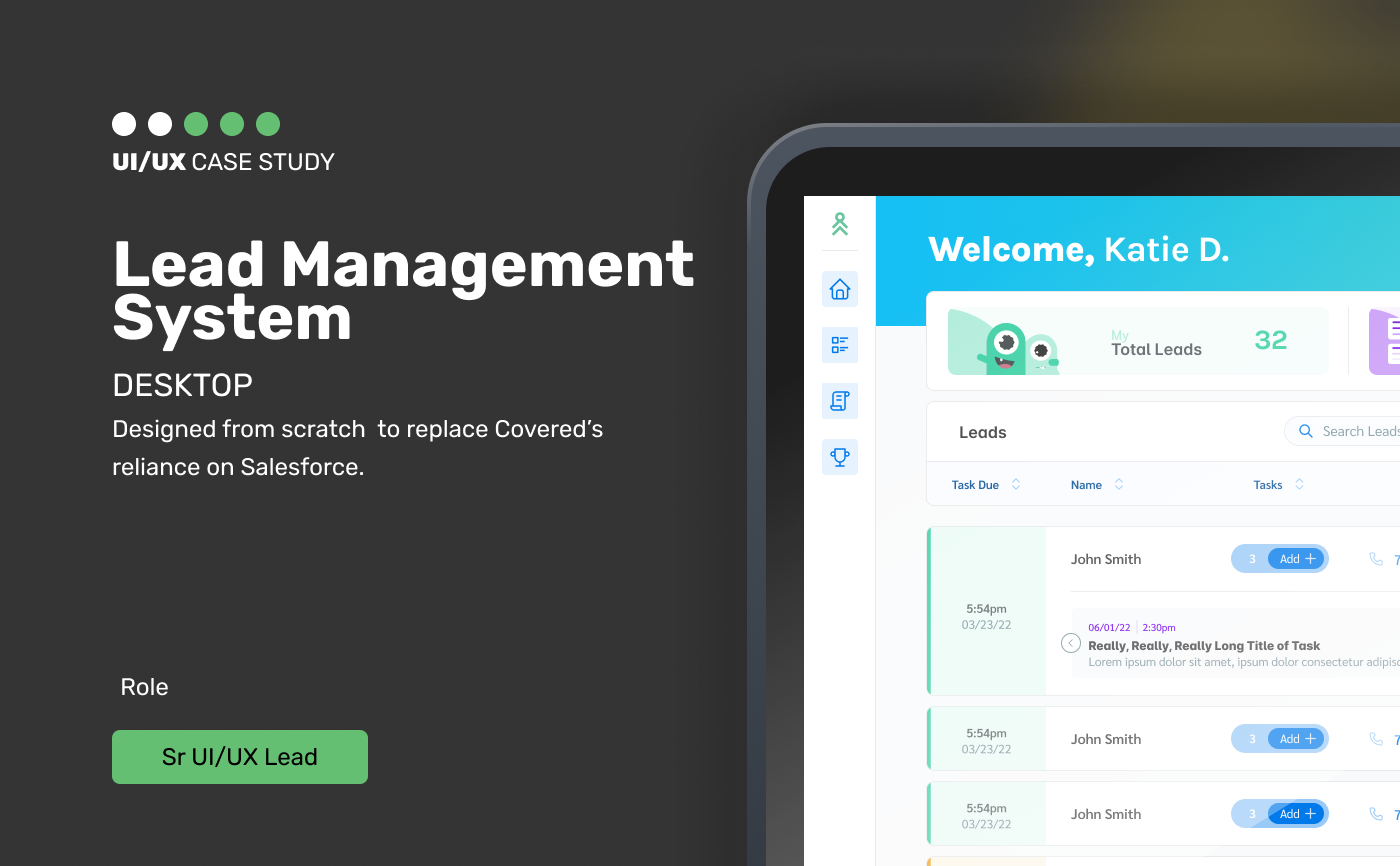
Designing a greenfield lead management system for Covered's insurance agents — replacing a reliance on Salesforce with a custom, modern internal tool built for speed, clarity, and a little personality.
01 — CHALLENGE
Corporate learning management systems are notorious for poor user experience — dense, data-heavy interfaces that were designed to expose data rather than create insight. This platform's existing dashboard presented a wall of tables and metrics that required significant interpretation effort before a manager could answer even basic questions: who's behind on compliance training, what's our department completion rate this quarter, which courses have the most drop-off?
The learner-facing dashboard had the opposite problem: too sparse, providing almost no context about progress, goals, or what to do next. Learners had no sense of their trajectory, no visibility into what was required versus recommended, and no motivational scaffolding to sustain engagement through longer learning programs. Completion rates and voluntary course starts were declining year-over-year, and the dashboard experience was cited in exit surveys as a contributing factor.
"I open the dashboard and I see charts everywhere but I genuinely can't tell if my team is on track or not without downloading a spreadsheet and doing math."— L&D Manager, Research Interview
PROJECT CONTEXT
02 — RESEARCH
The dashboard had two primary user types — managers and learners — with radically different jobs to be done. Managers needed portfolio-level oversight with the ability to drill into individual or team performance. Learners needed personal guidance and momentum. We ran separate research workstreams for each, using diary studies with learners to understand how their relationship with the dashboard changed over time and structured interviews with managers to understand decision-making workflows.
24 learners / 4 weeks
Participants logged daily interactions with the LMS and their learning sessions, capturing the motivational arc of engagement over a month — revealing when learners tuned out and why.
16 L&D managers
Structured sessions where managers walked through real compliance reviews and team progress assessments — mapping exactly what questions they needed answered and how long it took to find answers.
6 months of data
Session and behavioral analytics to identify dashboard usage patterns, drop-off points, and the correlation between dashboard interaction and course completion rates.
03 — PROCESS
Our design principle was clear from research: both user types needed insight, not data. Managers needed exceptions and decisions surfaced, not tables of numbers. Learners needed a next action and a sense of progress, not a report card. We ran a design sprint focused on the "so what?" layer of the dashboard — the logic that transforms raw metrics into actionable guidance — before touching layout or visual design.
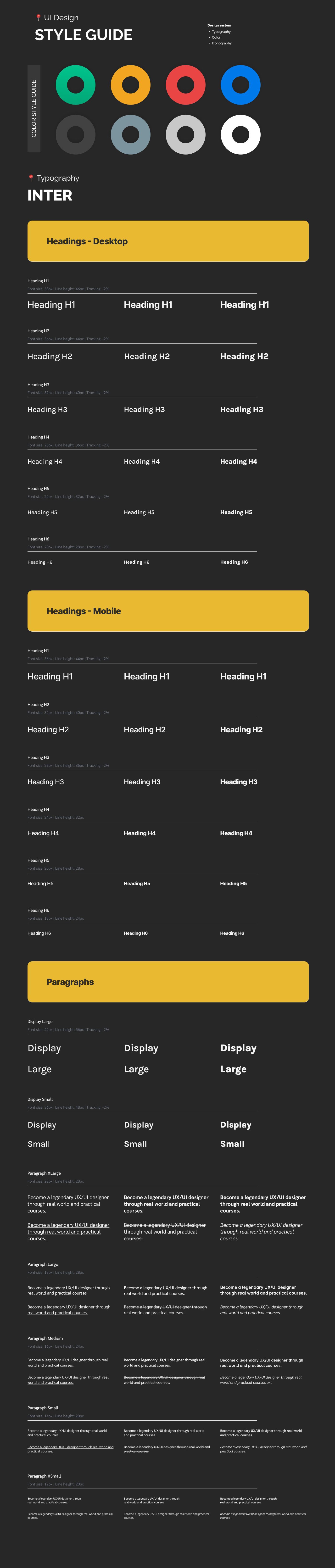
UI STYLE GUIDE
04 — SOLUTION
The redesigned manager dashboard leads with exceptions and priorities — a compliance risk summary at the top that immediately answers "what needs my attention today?" before presenting any aggregate metrics. Teams at risk of missing compliance deadlines are surfaced prominently; teams in good shape require no attention. The data is still there, but it's framed by the insight it should generate rather than presented as raw tables requiring interpretation.
The learner dashboard was rebuilt around three things: next action (what to do right now), progress visualization (a clear picture of where you are in your learning plan), and a streak and momentum system that made continued engagement feel rewarding. The compliance requirement vs. elective distinction was made visually unmistakable — so required training was never confused with recommended content.
FINAL PRODUCT
Compliance risks and team alerts surfaced prominently at the top — so managers see what needs attention before seeing aggregate data, reducing time-to-insight from minutes to seconds.
A persistent, prominent "continue learning" card that always surfaces the most relevant next course or module — eliminating the "what should I do now?" friction that kills learning momentum.
Visually distinct treatment for required compliance training versus recommended electives — making the urgency hierarchy unmistakable at a glance, without requiring any interpretation.
05 — RESULTS
Post-launch measurement showed significant improvements for both user types. Manager time-to-insight on compliance reviews dropped dramatically, with most critical questions now answerable without leaving the dashboard view. Learner engagement improved across the board — voluntary course starts reversed their year-over-year decline and compliance completion rates improved, driven largely by the clearer priority signaling in the new learner dashboard.
06 — LEARNINGS
Dashboard design is fundamentally about translating data into decisions. Every metric on a dashboard should exist because it helps someone make a better choice — not because the data was available. Starting with the decisions before the data changes the entire design direction.
Learner engagement isn't just about utility — it's about how the product makes people feel about their learning journey. Building streak tracking, progress visualization, and momentum systems into the dashboard treated motivation as a first-class design concern, not an afterthought.
Learning is inherently longitudinal — it unfolds over weeks and months, not single sessions. Diary studies were the only method that captured how users' relationship with the platform evolved over time, and they surfaced insights about motivation decay that single-session testing would have completely missed.